You already have a page with your name on it.
Today you tell people about you.
By the end of the lesson your page will have:
- three or four sentences about you
- one sentence that stands out from the rest
- one sentence sitting in the middle of the page
Have the interactive open on the board before the class comes in.
Pupils open on the page they built before. If a pupil is new, or their page did not come back, they will see a starting page with My Page at the top instead. Step 3 fixes that for everyone, so nobody needs to start again and nobody is behind.
A text block holds one sentence.
Want to say four things? Then you need four text blocks, one under the other.
That is how a whole page of writing gets built: one block at a time.
Say it once, on the board, and move to the building. The rule that matters is one sentence per block, because the common mistake is typing a paragraph into the first box and then having nothing to drag.
Make sure the top of the page says YOU before you add more.
- Click the words on your heading block and check they say your name.
- Click the words on your first text block and write one true sentence about you.
- Click Your web page.
Check: the top of the page is about you, not about anybody else.
Interactive activity
Two minutes of typing, no dragging. It gets every pupil to the same place, whether or not their own page came back with them.
Watch for a pupil typing into the page name box at the very top of the blue block instead of the heading block. The page name is not shown on the page.
Your page needs a second thing to say.
This is the block you need:
{"blocks": {"languageVersion": 0, "blocks": [{"type": "wp_text", "fields": {"TEXT": "I have one brother and a dog called Rusty.", "COLOUR": "default", "SIZE": "normal", "ALIGN": "left"}}]}}- Click Content on the left.
- Drag a text block under your first sentence.
- Click its white box and write something else about you.
- Click Your web page.
Check: two sentences now, one under the other.
If it did not work: your new sentence is missing, so the block is beside the blue page block instead of inside it. Drag it again until it clicks in.
Interactive activity
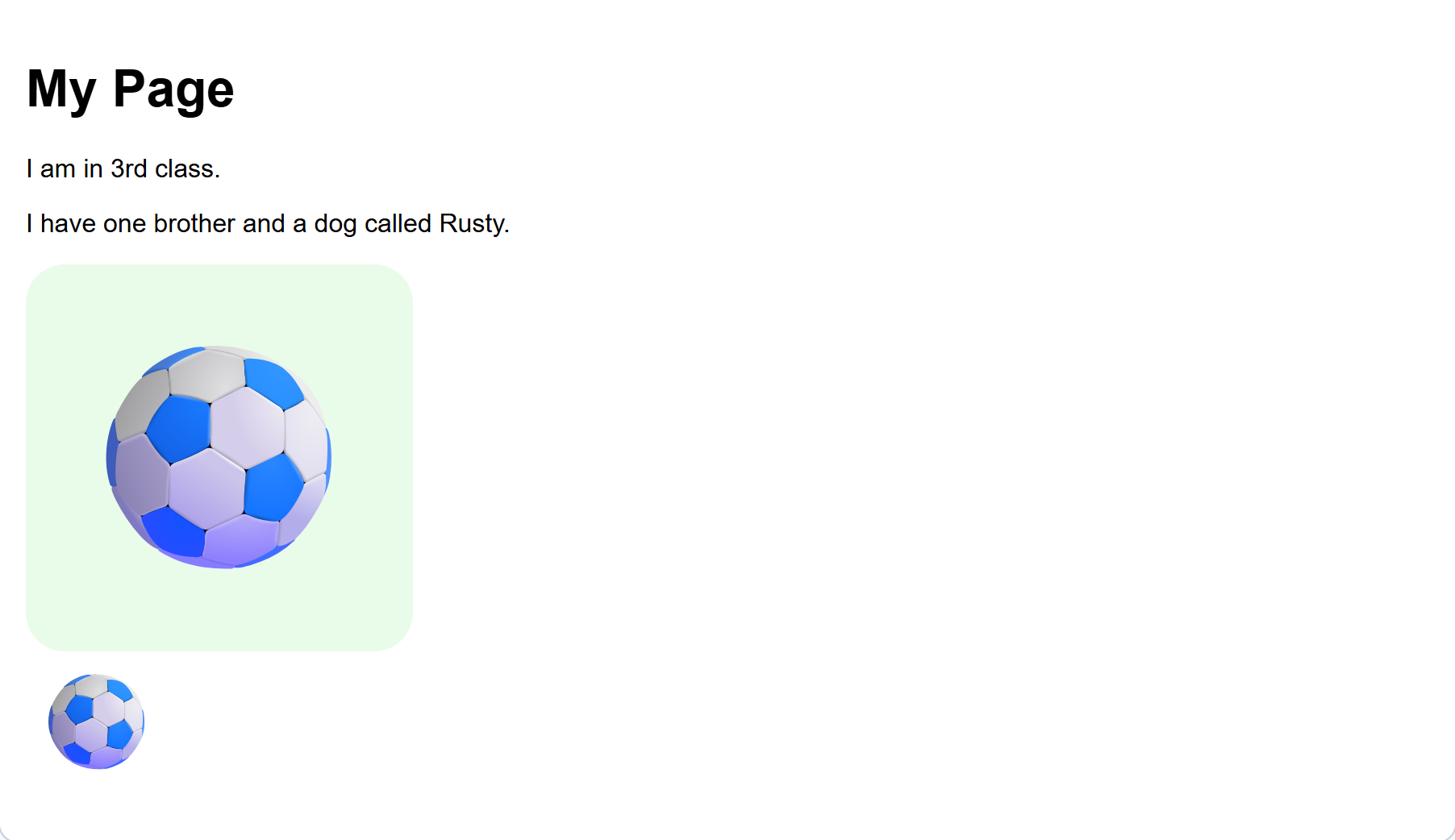
The picture on this step shows how the page should look afterwards. Leave it on the board.
The usual mistake is dropping the block beside the page instead of inside it. It snaps with a click when it goes in the right place. If a pupil's new sentence is missing from the page, that is almost always why.
A third sentence, the same way.
- Drag another text block under your second sentence.
- Write your third thing. Try what you like doing, who is in your house, or where you went at the weekend.
- Click Your web page.
Check: three sentences, each on its own line.
Interactive activity
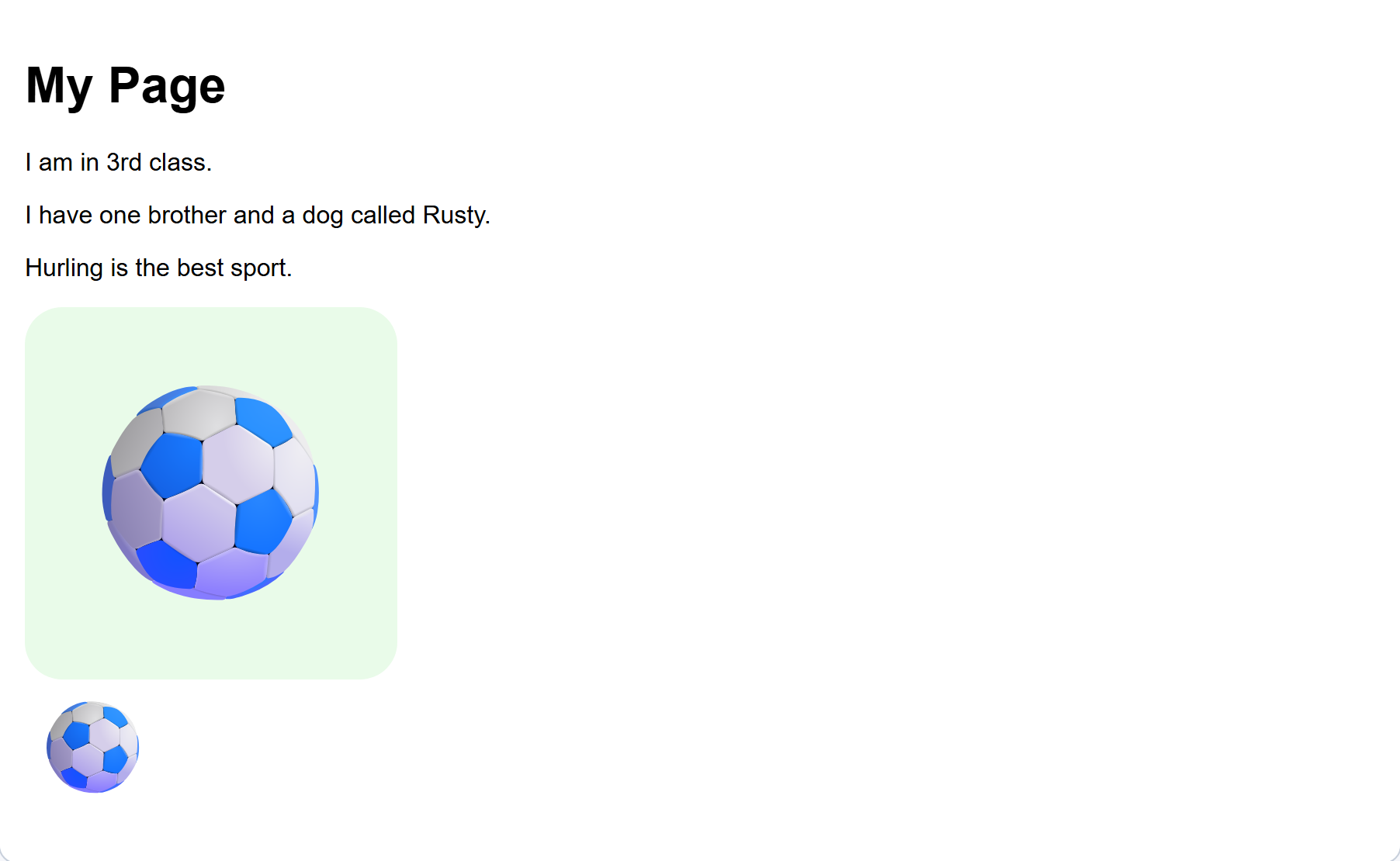
Faster than the last one, because the drag is the same. The three ideas on the pupil screen are there so nobody stalls on what to write.
Unlock the full learning experience
You're previewing this lesson. Get full access to this lesson and hundreds more — each one ready to teach, with interactive activities, printable resources and pupil progress tracking built in.
This lesson is copyright of DigitalSkills.org 2017 - 2025. Unauthorised use, copying or distribution is not allowed.