You've already drafted two SMARTER goals and a self-audit. Today you're going to reflect on the part everyone forgets: what happens after you set a goal. The 'E' and 'R' in SMARTER, Evaluated and Reviewed, are where real progress lives. Reviewing a goal isn't quitting on it, it's steering. In this lesson you'll plan a review checkpoint for one of your own goals.
Quick opener: ask the class how many of them have ever set a New Year's resolution and how many reviewed it a month later. The gap is the point of today's lesson. Frame reviewing and revising as steering, not failing, before you move on.
Three terms carry today's lesson. Read them before you look at a real goal review.
| Term | What it means for you | Real example |
|---|---|---|
| Evaluated — checking honestly, against real evidence, how far along a goal is at a set point. | You'll write down what evidence you'll check when you review your own goal. | Reading back your practice notes to see if your confidence actually moved |
| Reviewed — looking back over a goal to decide what to do next: keep going, change the steps, or change the goal itself. Reviewing may lead you to revise the goal, but it never means dropping it. | Your review plan names what would trigger a sensible revision. | Extending a deadline once you realise a term was too short |
| Review checkpoint — a date set in advance to stop and evaluate a goal. | You'll pick a real date for your own checkpoint. | A calendar note for the last Friday of the month |
Notice the difference: the 'R' in SMARTER stands for Reviewed, the act of looking back. Revising a goal is one thing that reviewing can lead to. Reviewing is the habit; revising is one possible outcome.
Head off the common misconception early: revising a goal is not the same as failing at it. Say it in those words. Students who have never been taught the review half of goal-setting often read any change as defeat. Also clarify the acronym cleanly: the 'R' is Reviewed (looking back); revising is one action a review might trigger. This avoids students confusing the letter with the 'Review checkpoint' term.
Here's a realistic goal review walked through with its three possible outcomes: on track, off track, and needs changing. Study how the same evidence check leads to a different sensible next step in each case. Talk the three questions underneath through with the person beside you, or think them over quietly. They'll help you write your own review plan next; you don't record anything here.
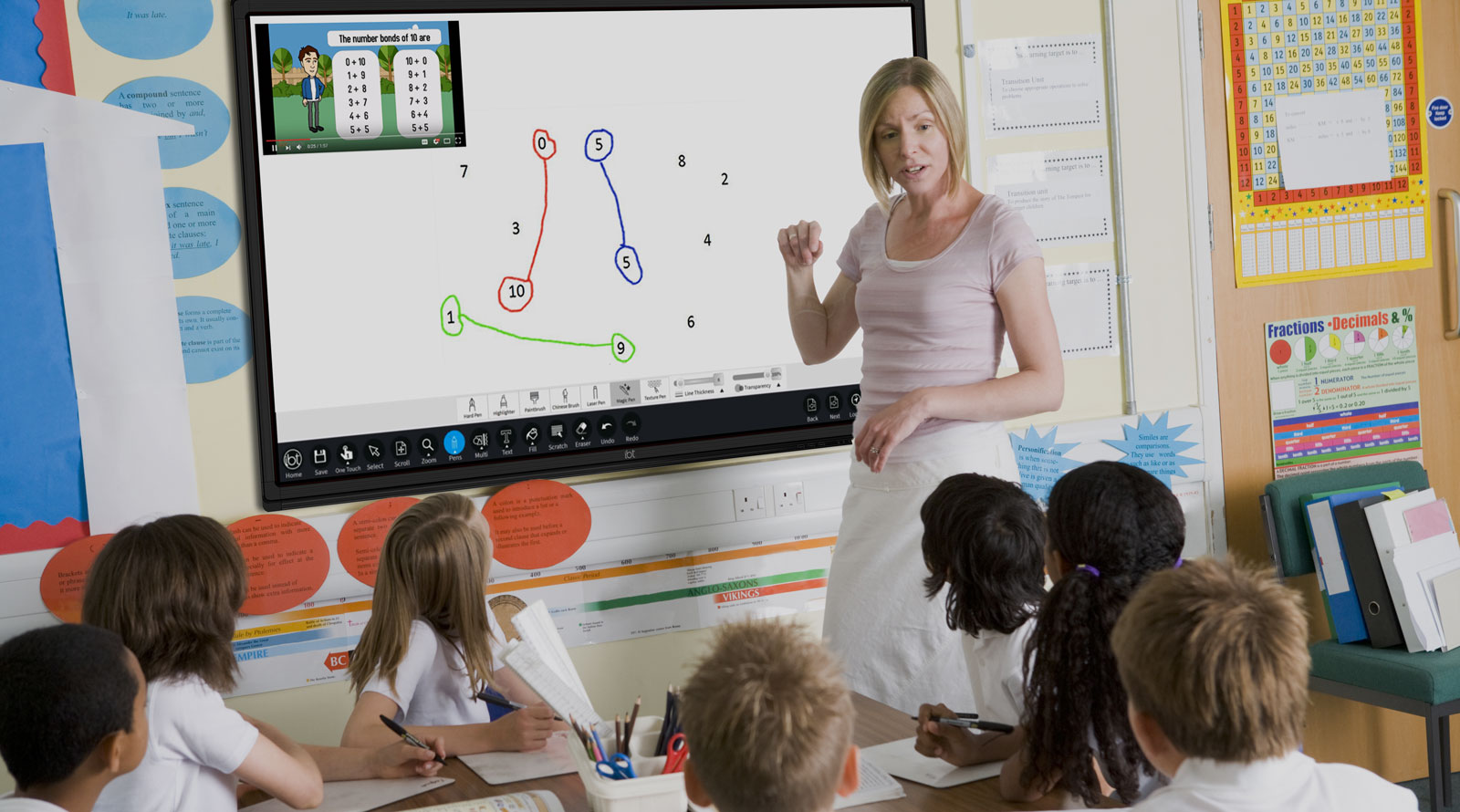
Walk the class through the three outcomes on the IWB, pausing on each before revealing the interpretation. Ask the class which outcome they think is most common in real life (usually a mix of on and off track). Stress that only one of the three outcomes involves changing the goal, and even that isn't failure. Run the three questions as a quick paired discussion, not written work: they prime students for the Step 4 activity.
Now do it for yourself. Pick one of the two SMARTER goals you drafted in Lessons 2 and 4, and write a four-sentence review plan. This is your Digital Portfolio artefact for today and it feeds straight into the way you'll monitor your progression goals in a later Applied Learning Task.
If you don't have both goals saved: if you only have one goal on file, use that one. If neither is saved (you were absent, or your file is named differently), write a quick one-line SMARTER goal first, or use Aoife's public-speaking goal from the last step, then plan its review.
Circulate while students write. The most common weak spot is evidence: students name a review date but not what they'll actually check. Push them to name something concrete and countable (a tally, a set of notes, a specific piece of work). Confirm each student saves the file into their S1.1 folder before the end of the step.
Fallback for missing prior goals: for any student without a SMARTER goal on file (absent from Lessons 2 or 4, or file not found), hand them Aoife's public-speaking goal from Step 3 as a ready-made subject for their review plan, so the artefact still gets produced this period. They can swap in one of their own goals later.
Device note: a .md file is ideal, but if a student's device has no obvious Markdown editor, a plain .txt file or a Google Doc titled 'goal_review_plan' saved to the S1.1 folder is completely acceptable. Don't let file-format friction eat the last five minutes.
Talk these through with the person beside you, or sit with them quietly. You don't type anything here. If one of them is worth keeping, add it to your Digital Portfolio as a reflection note in your own time.
Think about:
Run this as a 60-second paired share on the first prompt, then a short whole-class share-back on the second. Watch for students who left the celebration sentence blank, that's a common tell and worth naming gently: noticing progress is part of the discipline, not a soft extra.
You're previewing this lesson. Get full access to this lesson and hundreds more — each one ready to teach, with interactive activities, printable resources and pupil progress tracking built in.