Today you build a whole page on your own, from nothing.
This is a brand new page. The one you have been building all term is safe and is not going anywhere.
You choose what this one is about. By the end it will have:
- a heading
- some sentences
- a picture
- a list
- a link
Every single one of those, you already know how to do.
Say the new-page part out loud. A pupil who thinks their term's work has vanished will not start.
This is the lesson that shows what they can do unaided. Resist the urge to model it: everything here was taught in Lessons 1 to 5 and the checklist is on their screen.
Before you touch a block, decide two things.
- What is your page about? A sport, an animal, a place, a game, a person.
- What are your five pieces? Your heading, your sentences, your picture, your list and your link.
Say both out loud to the person beside you. Then start.
Two minutes of deciding saves ten of drifting. Take three or four topics from around the room so anyone stuck can borrow one.
Steer away from topics with no picture in the list. Animals, sport, food and places all work.
Build the top of your page. Every block you need is in Content.
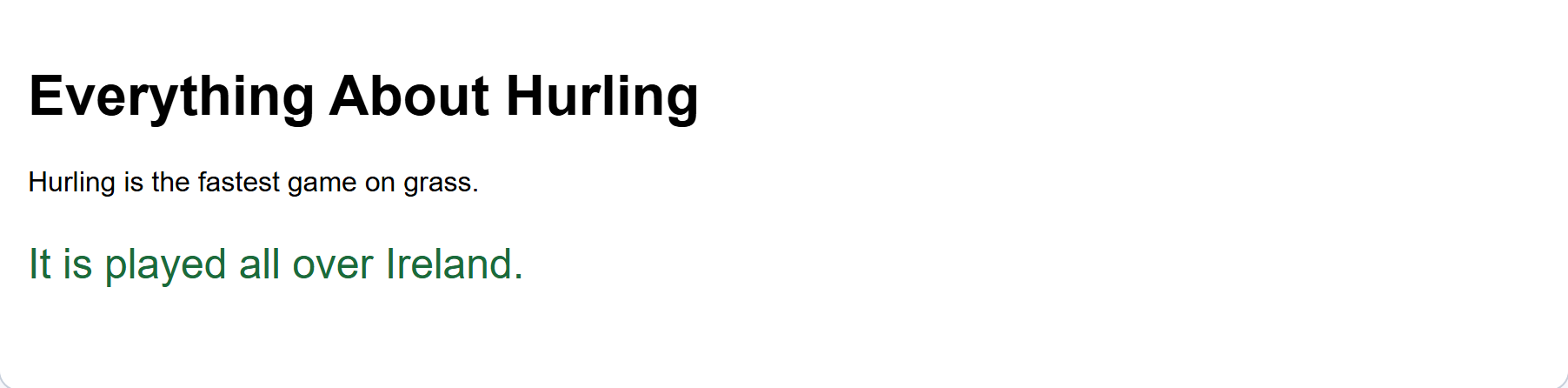
Here is the shape of a page top:
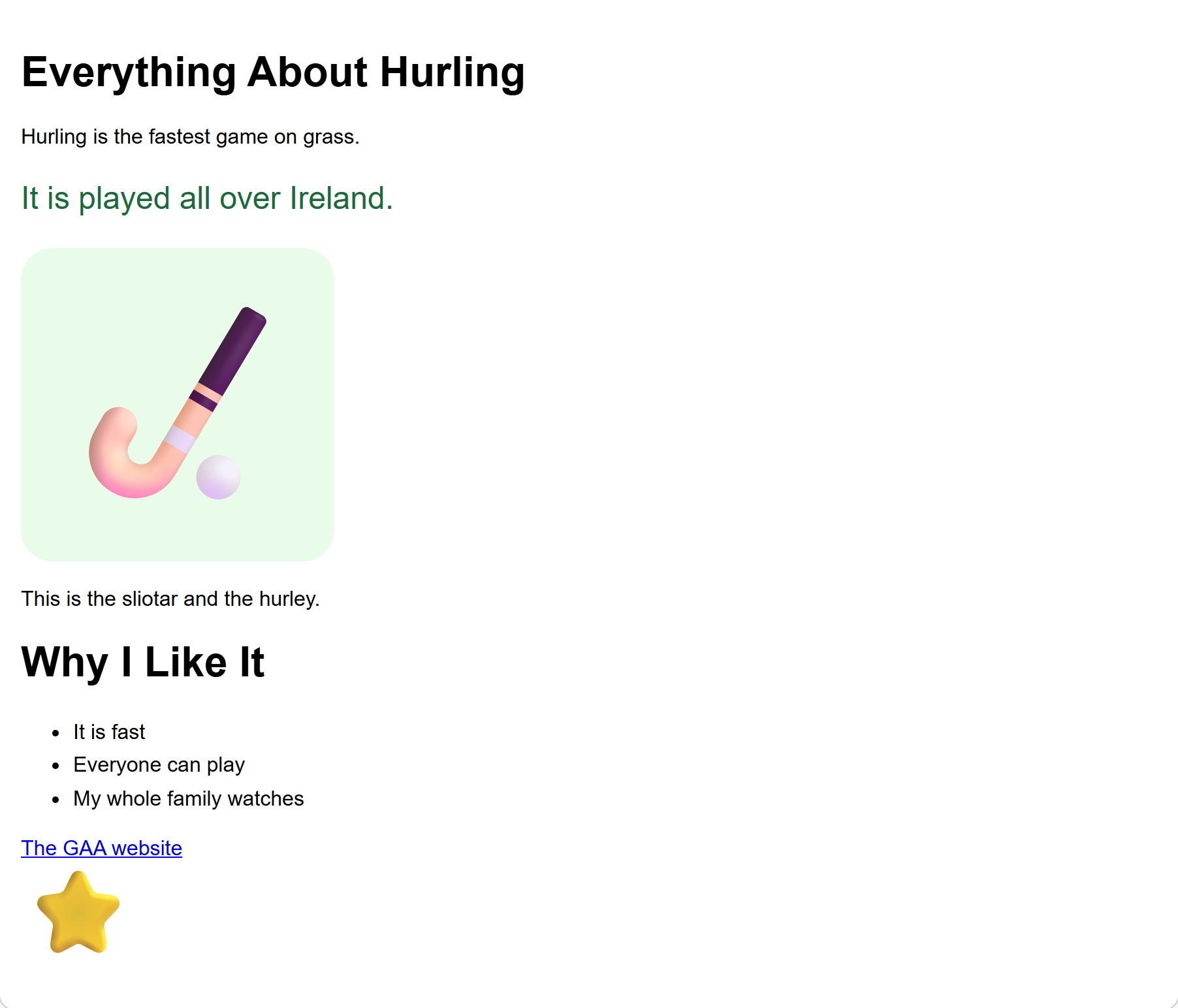
{"blocks": {"languageVersion": 0, "blocks": [{"type": "wp_heading", "fields": {"TEXT": "Everything About Hurling", "COLOUR": "default", "SIZE": "normal", "ALIGN": "left"}}, {"type": "wp_text", "fields": {"TEXT": "Hurling is the fastest game on grass.", "COLOUR": "default", "SIZE": "normal", "ALIGN": "left"}}]}}- Drag a heading block on to your page and type its name.
- Drag two or three text blocks under it.
- Write one sentence in each, saying what your page is about.
- Make one sentence stand out with its size or colour box.
- Click Your web page and read what you have.
Check: your page has a name and two or three sentences, and one of them catches your eye first. It started empty, so everything on it is yours.
Interactive activity
A long stretch on purpose. Circulate rather than teach.
The one thing to watch for is a block dropped beside the blue page block instead of inside it. It is the same fix as always: drag it again until it clicks in.
Stop building for a minute.
Click Your web page and read the top of your page out loud to the person beside you.
- Does the heading say what the page is about?
- Do the sentences make sense to somebody who does not know you?
Fix anything that sounded wrong, then carry on.
Interactive activity
Whole class stops together. Reading aloud catches things that reading in your head does not.
Keep it to four minutes. It is a checkpoint, not a lesson.
Now the rest of your page. This time the blocks come from three different groups on the left.
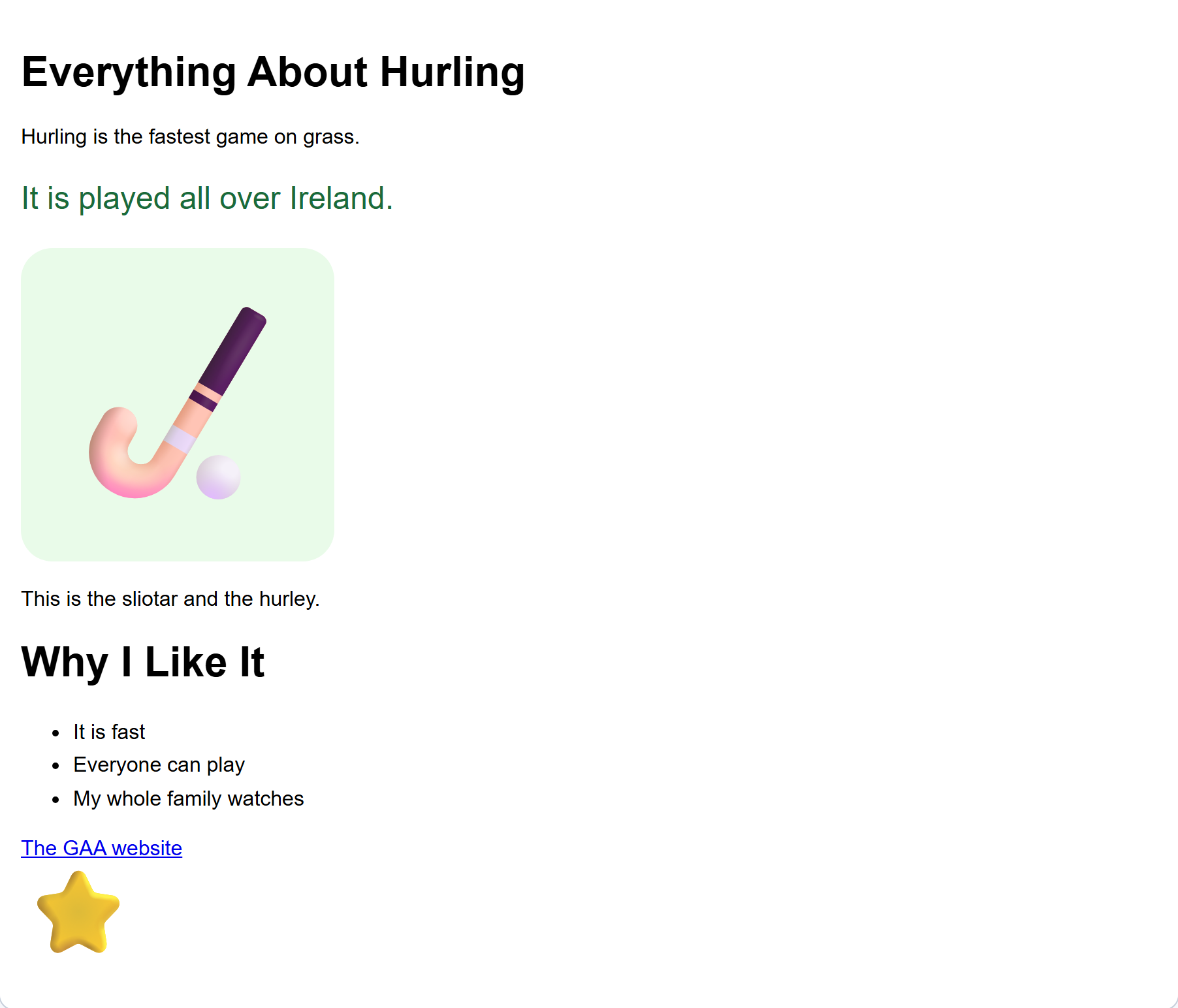
- From Content, drag a picture block, then a text block under it saying what the picture is.
- From List, drag a list block, then three or four item blocks inside it, where it opens out.
- From Links and buttons, drag a link block. Type the words a reader will click, then type an address in the second box.
- Click Your web page and check your link works.
Any of these addresses will work, or one your teacher has put on the board:
- https://www.gaa.ie
- https://www.met.ie
- https://www.dublinzoo.ie
Interactive activity
The longest stretch. Three different groups on the left are used here, which is the part pupils forget rather than the dragging.
The three addresses are printed on the pupil screen again, so nothing needs preparing. Put your own on the board if the class has sites it already uses.
Unlock the full learning experience
You're previewing this lesson. Get full access to this lesson and hundreds more — each one ready to teach, with interactive activities, printable resources and pupil progress tracking built in.
This lesson is copyright of DigitalSkills.org 2017 - 2025. Unauthorised use, copying or distribution is not allowed.