This module introduces students to JavaScript, a popular textual programming language. Teachers should explain the differences between JavaScript and block-based languages, guide students through creating and modifying code, and cover common syntax errors. The module progresses from basic concepts to more complex ones, such as variables, data types, operators, and conditional and switch statements. The final lesson allows students to apply their skills in a self-guided project. Encourage creativity, problem-solving, and thorough testing and debugging throughout The module.
Read more

Explore the Course

Click any lesson with to preview it

JavaScript Variables Quiz Challenge

JavaScript Operators Quiz Challenge

What Students Will Learn

Learning Goals

  1. Understand and apply the fundamentals of JavaScript, including syntax, code execution, and debugging.
  2. Develop proficiency in creating and manipulating JavaScript variables and data types.
  3. Master the use of JavaScript operators for arithmetic, string, assignment, comparison, and logical operations.
  4. Gain competency in controlling code flow using JavaScript conditional and switch statements.
  5. Apply learned JavaScript skills to create an innovative project using the MakeCode Microbit editor.

Learning Outcomes

  1. Understand and apply the basic concepts of JavaScript, including code execution sequence and debugging syntax errors.
  2. Create and manipulate variables in JavaScript, understanding their role in storing and calculating data.
  3. Identify and utilise different JavaScript data types, including strings, numbers, booleans, arrays, and objects.
  4. Apply JavaScript operators and conditional statements to control the flow of code and perform operations between operands.
  5. Design and implement a unique project using JavaScript and the MakeCode Microbit editor, demonstrating a comprehensive understanding of the language's fundamentals.

What You'll Need

Student Devices

Students will need one of these devices. Students can share in groups of 2-3 if necessary.

Chromebook/Laptop/PC
Required Equipment

Equipment used in some of the lessons in this course. Items can be shared among students.

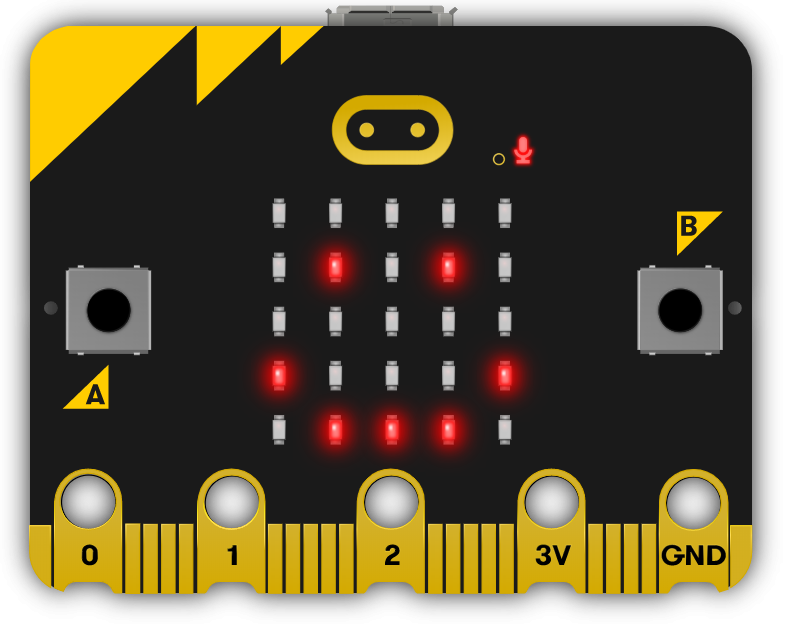
Microbit
Microbit

Ready to bring this course to your school?

Get in touch to discuss pricing and ordering for your school.

Ready to get started?
Pricing & Ordering Contact Us
🍪 Our website uses cookies to make your browsing experience better. By using our website you agree to our use of cookies. Learn more